Hey friend!
2025 was a big one for us.
It was a year full of big bets, small wins, and a lot of listening. Listening to how you work, how your teams collaborate, where things break, and where design delivery still feels harder than it should.
So before anything else:
Thank you.
Thank you for believing in what we’re building.
Thank you for caring about your workflows.
Thank you for caring about your teammates.
Thank you for pushing design workflows forward and expecting the tools around them to keep up.
Here’s a recap of everything we released at Zeplin in 2025:
Custom annotation types
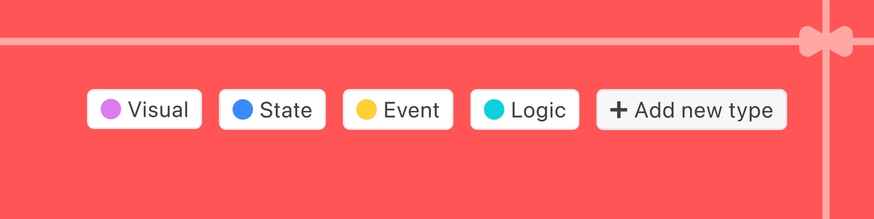
Annotations got way more flexible. You can now create custom annotation types that match how your team actually communicates.
Annotations in Flows
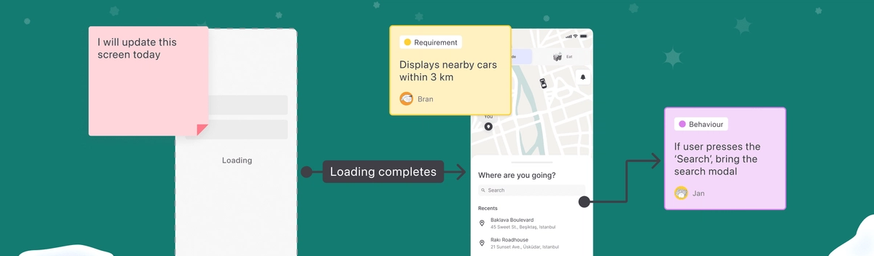
Flows and annotations finally met.
You can now leave annotations directly inside Flows, so context lives right where the user journey lives. No more hopping back and forth.
AI Organize
Just exported a bunch of screens and need to organize them? AI Organize helps sort things up by creating sections, variants automatically. It’s like hitting“tidy up” on your project without losing control or intent.
AI Design Review
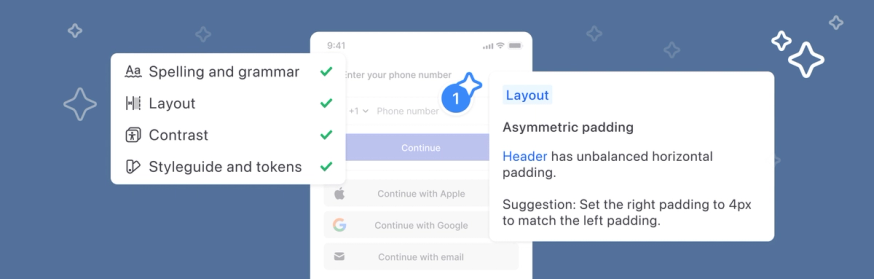
This one was a big moment for us! AI Design Review helps catch consistency issues and potential design gaps early — before they turn into long review threads or rework later. Think of it as an extra set of eyes that never gets tired.
Zeplin MCP Server
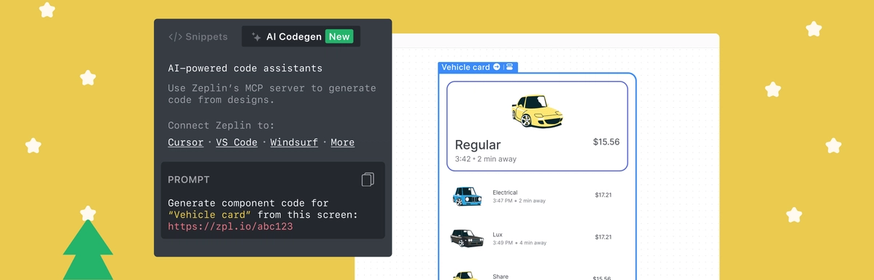
Another big one for AI workflows!
With the Zeplin MCP Server, your design and design system data plugs directly into AI agents. Use tools like Claude Code, Cursor, and ask it to generate code directly from resources in Zeplin — helping automate repetitive UI tasks and speed up development.
Dynamic project types
We’ve removed fixed project types entirely. Developers can now choose their platform dynamically and get the specs, assets, and snippets they need.
Tailwind CSS snippets
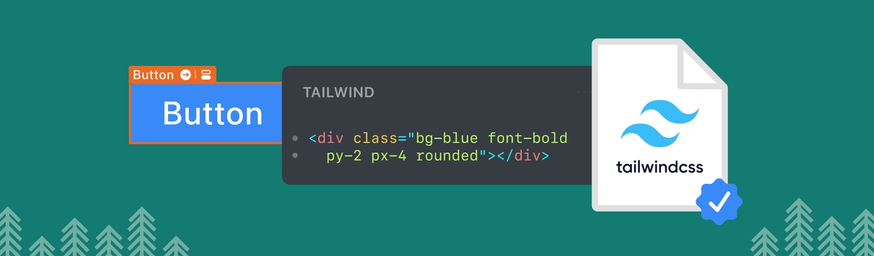
We've developed an official Tailwind CSS extension for Zeplin, so devs using Tailwind can now grab utility class names from individual layers and theme variables from the styleguide — including colors, text styles, and spacing.
Reactions for comments
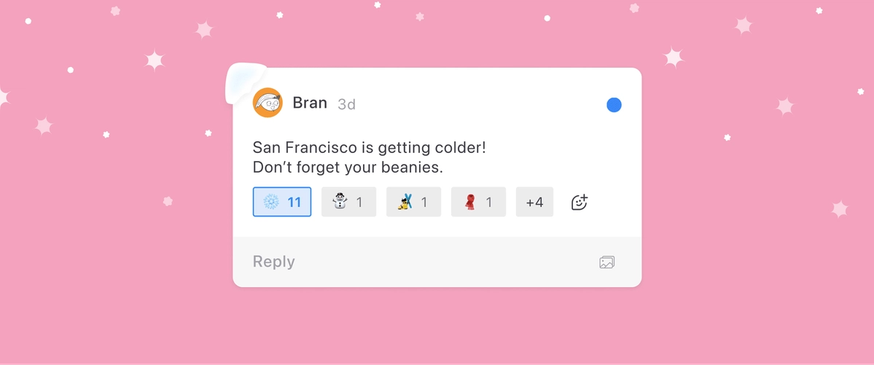
You can now add proper reactions to comments — the kind that show up right on the comment, not as separate messages. A quick way to acknowledge feedback, agree, or say “I got you” without adding noise.
Version-aware comments
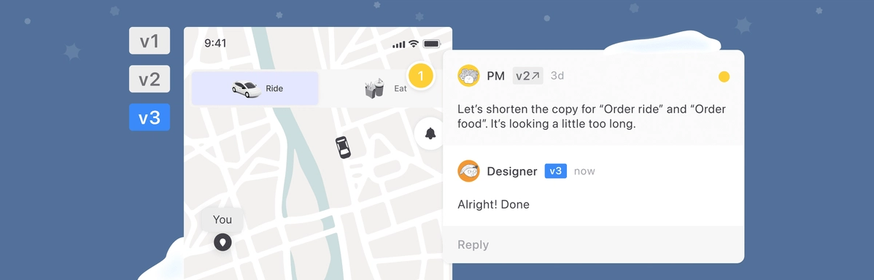
Ever find a comment and wonder, “Wait, was this for the latest version?” Now you’ll know. Zeplin shows which version a comment was added on — this makes it easier to track feedback over time and jump straight to the relevant version when you needed.
Area comments
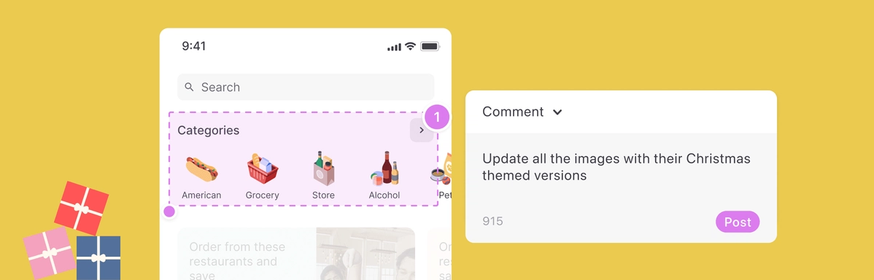
One dot isn’t always enough. Area comments let you comment on a specific part of a screen, making it easier to talk about layouts, spacing, or interactions as a whole.
Unified web and desktop links
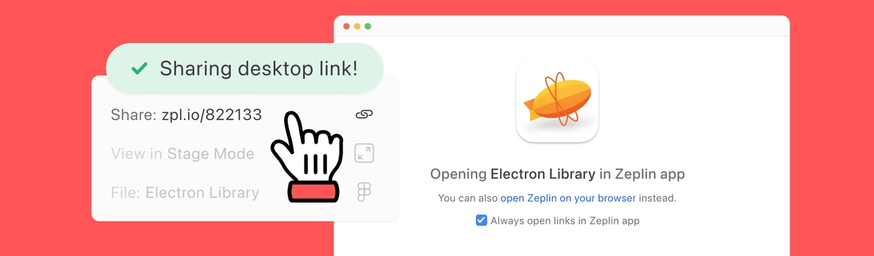
When you share anything in Zeplin, you now get a single link. Whether you prefer web or desktop, it’ll open the app that works best for you.
Sketch Stacks support

Our friends at Sketch introduced Stacks this year — their long-awaited version of Auto Layout in Figma.
We added support for Sketch Stacks from day one, making it easier to communicate layout intent with devs.
AVIF assets
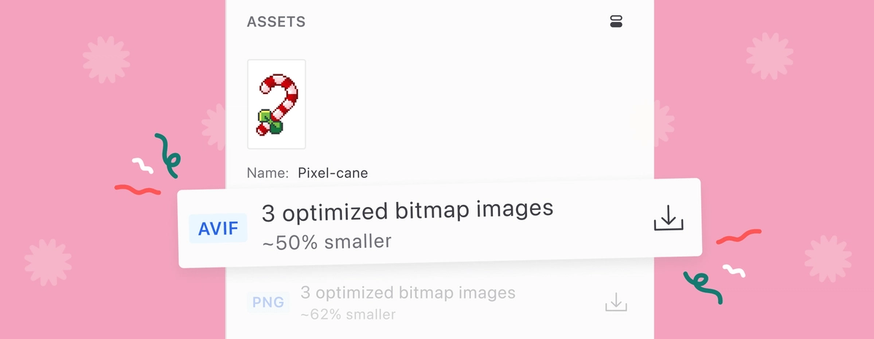
Zeplin now supports AVIF, an image format that offers better compression compared to older formats — typically 20–30% smaller than WebP. For all screens exported to Zeplin, any exportable layer will now have an AVIF asset by default.
Figma color variables in design token export

Zeplin makes it easy for developers to export design tokens in JSON format, providing consistent design data straight from your styleguide.
With this update, Zeplin now includes color variables as well, making it easier to maintain the connection between design and code.
Importing GIFs
This one was fun to build — and highly requested, especially by folks working on things like emails and marketing pages. You can now import animated images straight into Zeplin using the desktop app. Simply select “Edit > Import PNG, JPG or GIF…” from the menu.
Re-request approval

Approvals are a great way to share designs with stakeholders and get feedback or sign-off. Once you make changes, re-requesting approval lets you nudge reviewers again without creating a new approval.
Restructured Styleguides
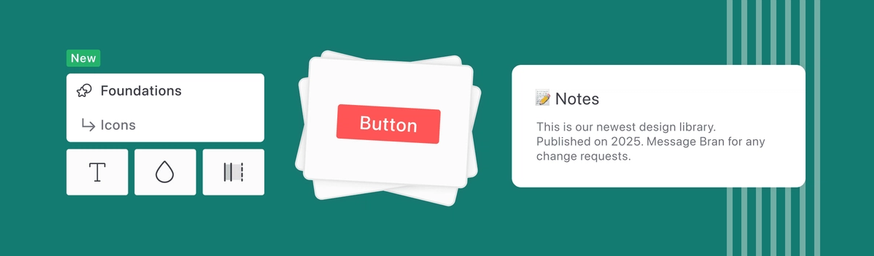
Styleguides got a much-needed refresh. We restructured them to be easier to navigate, easier to maintain, and easier to scale — especially for growing design systems.
Performance updates
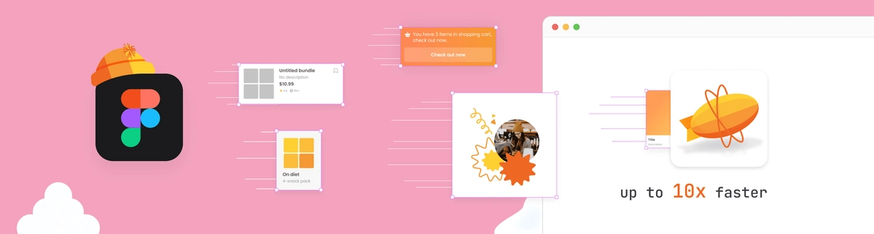
Last but definitely not least. We shipped a long list of performance improvements across the app. Faster loads, faster export times, smoother interactions. In fact, Figma exports are now up to 10× faster.
That’s 2025.
We’re heading into 2026 even more focused on design delivery — helping teams move from idea to implementation with less friction, more clarity, and better collaboration along the way.
Thanks again for being part of this journey, for trusting Zeplin, and for building products with care.
See you in 2026. 🧡